2 Preferences and AI settings
To use IGOOR predictions, you need an API key from the AI provider Groq.
 Groq API key
IMPORTANT: We are neither partners nor affiliated with Groq. Other providers may be added in the future.
Today, we use the models offered by the Groq provider for the following advantages:
- Speed (Groq is a chip manufacturer)
- Privacy compliance (their servers are located in Europe)
- Groq does not use data to train its models, as it supports open-source and open-weights models
- An extremely competitive pricing model
Test Groq for free with a developer account
Groq allows you to test its features for free with a developer account.
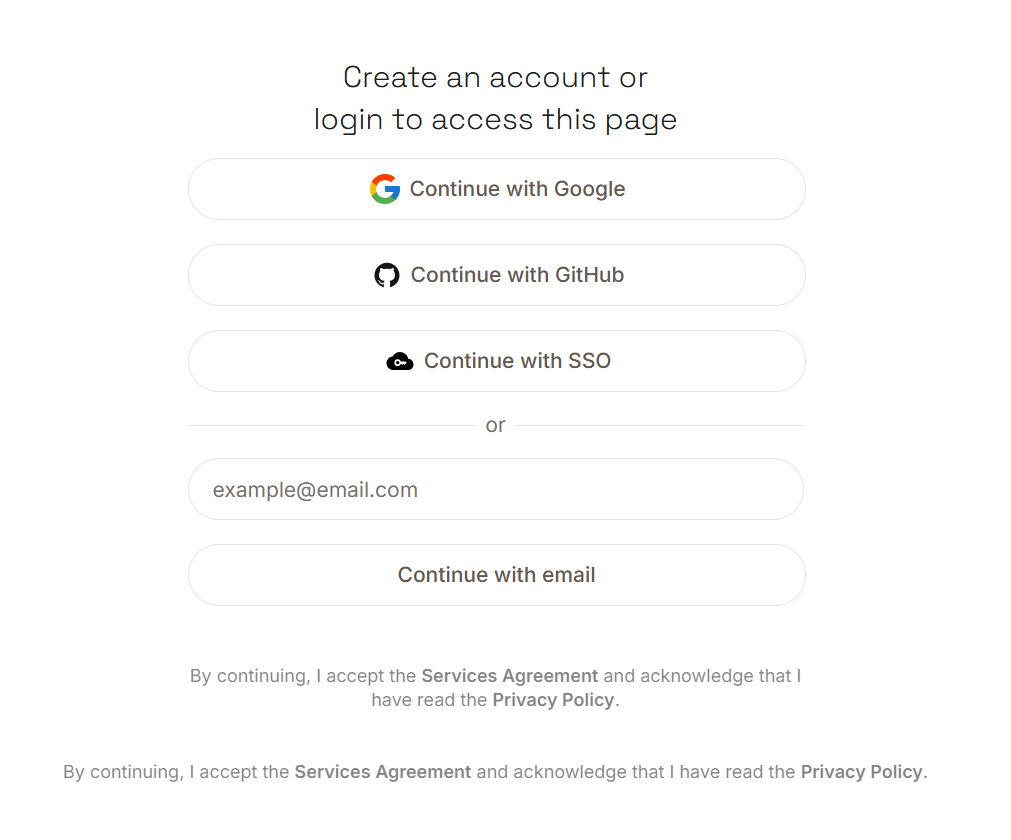 Sign up using your email address (if you have a Google account or one of the other providers listed, you can authenticate through them).
Once authenticated, click on the Create API Key button:

Name your key in the window that opens, for example, "igoorclé":
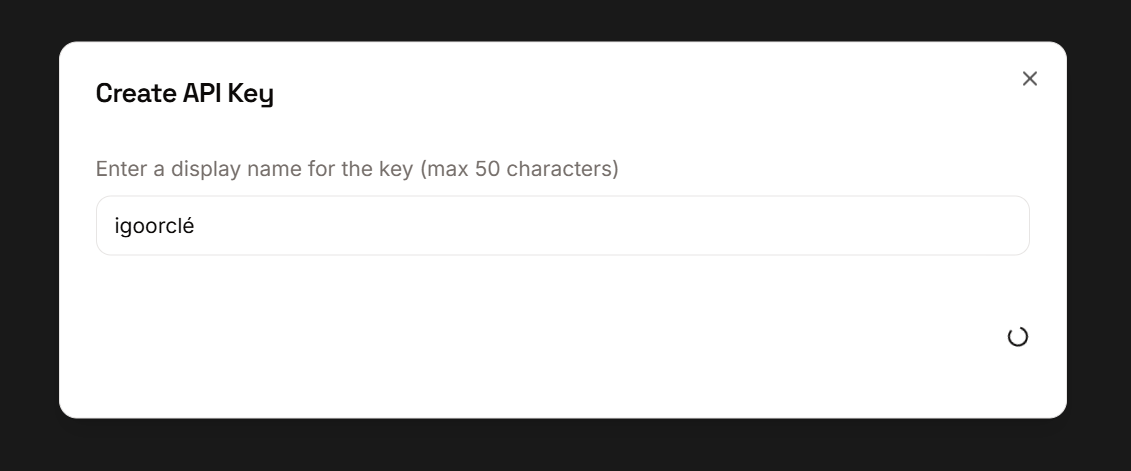
In the window that opens, copy your key by clicking on the Copy button:

Go back to the IGOOR software, enter the settings (button in the top right corner) and click on the AI tab.
Paste the key into the API Key field :

The key will be validated with a green check. Click on the Save Main Settings button: the settings window will close automatically.
IMPORTANT: If you use IGOOR regularly, you will quickly encounter rate limitations (and therefore predictions may not work for a certain period of time). Make sure to enter your credit card information on Groq to get a paid developer account.
