Troubleshooting common problems
Installation
Smart Screen
IGOOR’s association is not yet certified as a software publisher. SmartScreen may therefore prevent you from starting the installation process at all and display this popup:
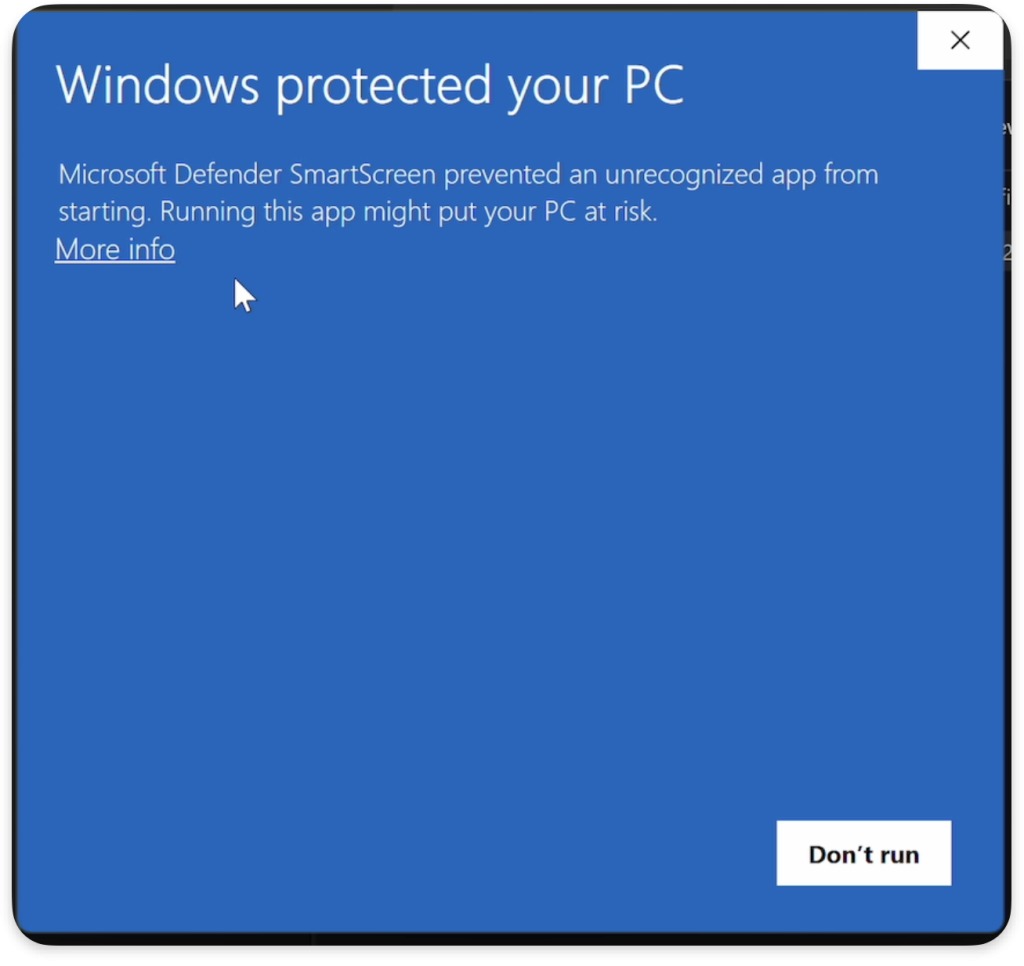 SOLUTION: Click “More information” and then “Run anyway”.
Antivirus
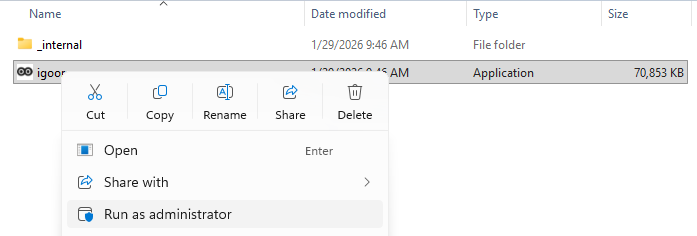
At the end of the installation process, the application may fail to launch because of a false positive virus detection by Windows or your antivirus. A popup opens and informs you that the application has been recognized as a virus.
SOLUTION: Run the software installation as an administrator by right‑clicking the application’s icon and selecting “Run as administrator” in the context menu that appears.
Using the application
Poor display in the application
If your daily‑needs screen looks like this:
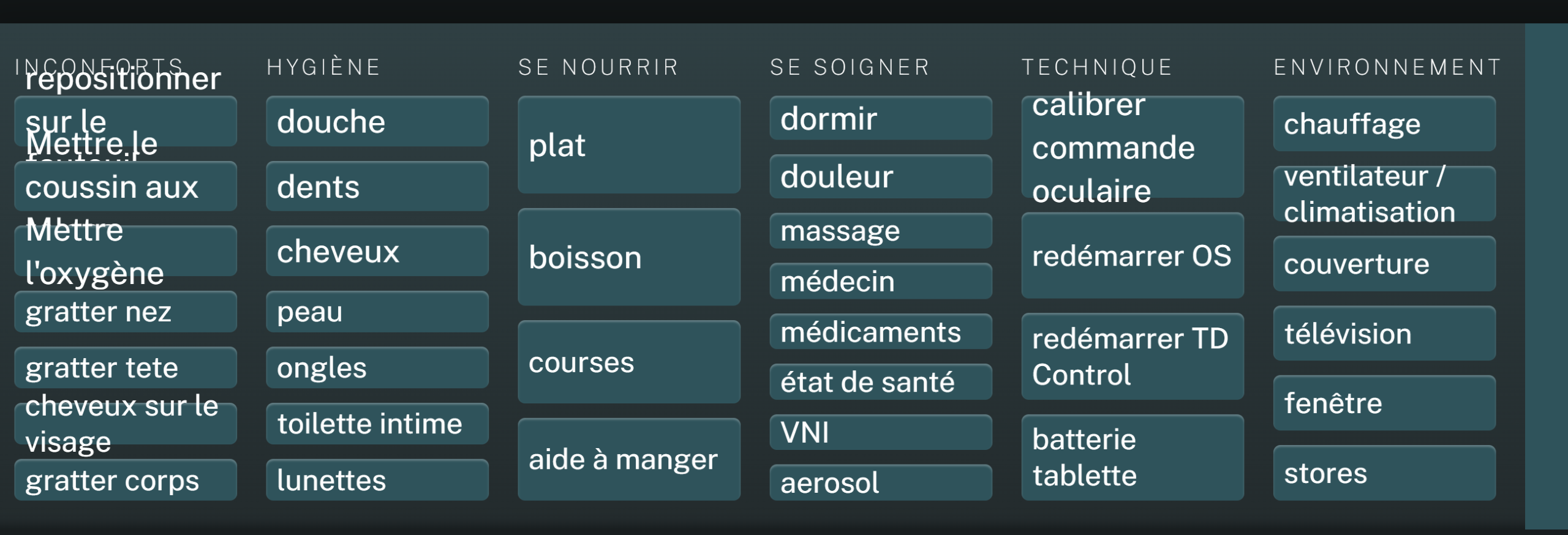
It is most likely caused by Windows automatically resizing the text.
Fix on Windows:
- Go to Start > Settings > System > Display.
- Scroll down to the Scale & layout section.
- If the percentage is above 100 %–150 %, set it to 100 % and restart IGOOR; the display should now be perfect.