1 Choosing your TTS voice synthesis system
Supported Text-to-Speech Syntheses
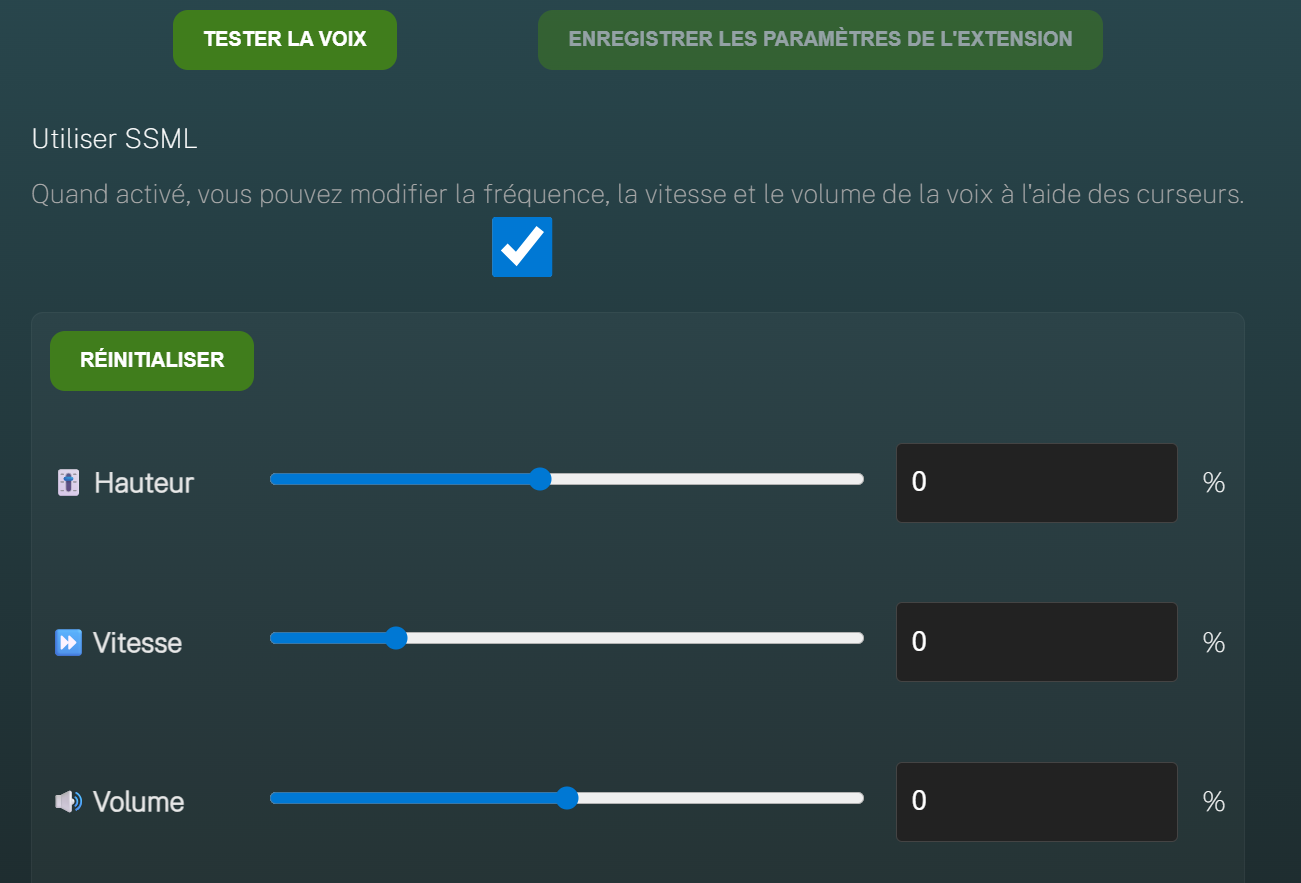
IGOOR supports 3 TTS (Text-to-speech) modes:
- The Windows built-in TTS (TTSDEFAULT)
- Elevenlabs, one of the major players in the text-to-speech synthesis field
- Speechify (cheaper alternative to Elevenlabs in some cases)
Other providers may be supported in the future.
| FEATURES / PLUGIN | TTSDEFAULT |
SPEECHIFY |
ELEVENLABS |
|---|---|---|---|
| works offline | ✅ | ❌ | ❌ |
| price | Free | pay-as-you-go pricing | pay-as-you-go pricing Professional cloning requires a monthly pro subscription |
| amount of free minutes | Always free | 100 | 10 |
| professional voice cloning | ❌ | ❌ | ✅ |
| voice quality | standard | very good | very good, and excellent for professional cloning |
| intonation change within the same sentence | ❌ | ✅ | ✅ |
| speed | fastest | slowest | very fast |
IMPORTANT: The IGOOR 1901 association is not affiliated with Speechify or Elevenlabs.
Tips
- If the IGOOR user is affected by SLA, the ARSLA association has free licenses for Elevenlabs. Contact the ARSLA association
- If you have the possibility of 2 - Cloning the IGOOR User's Voice, we recommend it.
- Only if you cannot clone the user's voice, or if you want a free voice, choose TTSDEFAULT. The user's original voice (or a more expressive Windows voice) helps maintain an emotional connection with the user.
Using the Windows-provided text-to-speech voice
Go to:
Settings > Extensions > TTS
Click on the settings icon of the Default Text-to-speech extension:
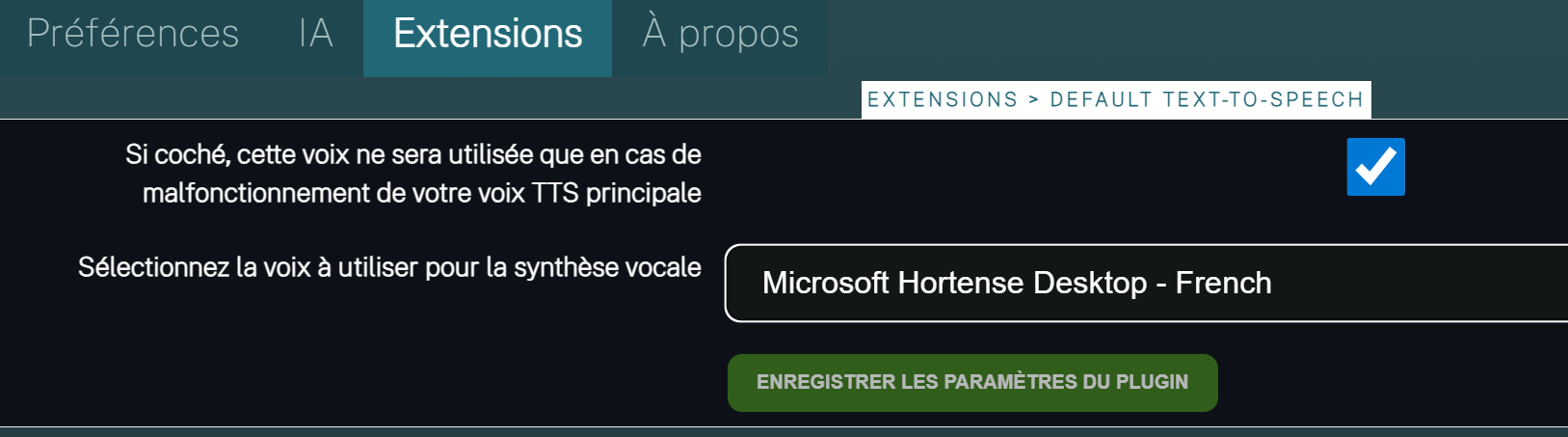
Uncheck the box to always use the Windows voice. Choose the voice you want from the dropdown menu and save the plugin settings.
How to install other Windows voices
Using a cloud-based text-to-speech voice
IMPORTANT: We recommend keeping the Windows text-to-speech voice enabled as a fallback (in case of network issues). To do this, keep the checkbox checked in the extension settings above. Then, activate the corresponding extension for your subscription (Elevenlabs or Speechify).
You will then need to enter your API key to access the service. For example, for Speechify:
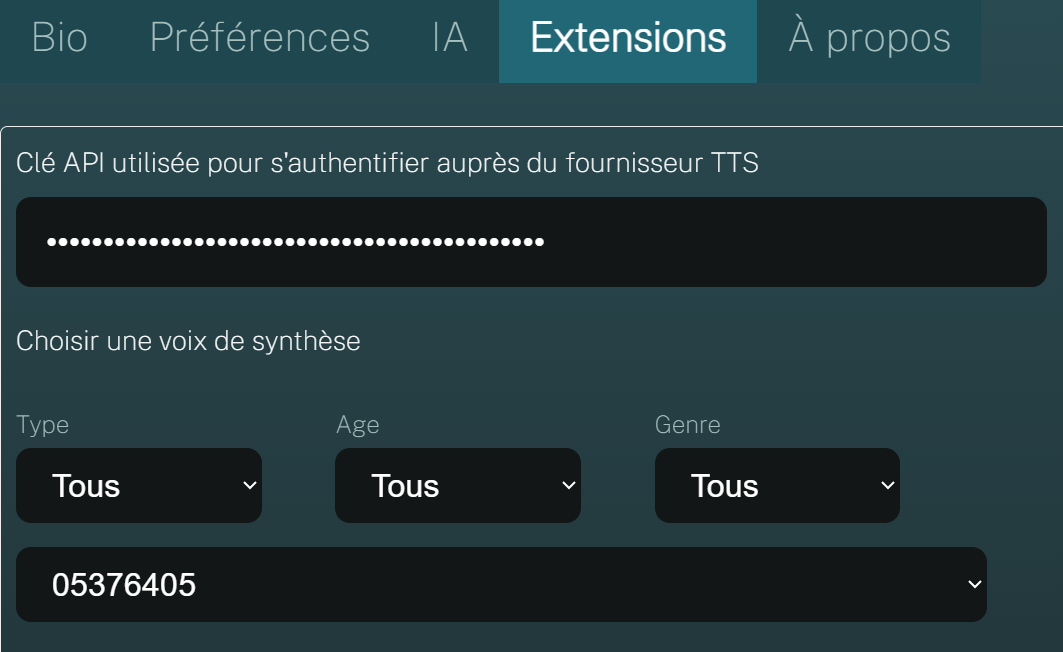
Once the API key is entered, the list of available voices will be filled. Then, depending on your subscription, you will be able to choose a specific voice (your cloned voice, or another voice) and customize some settings: