2 External button for voice recognition
Any external button compatible with your device can be used to trigger voice recognition. Your button must send a keyboard shortcut to IGOOR.
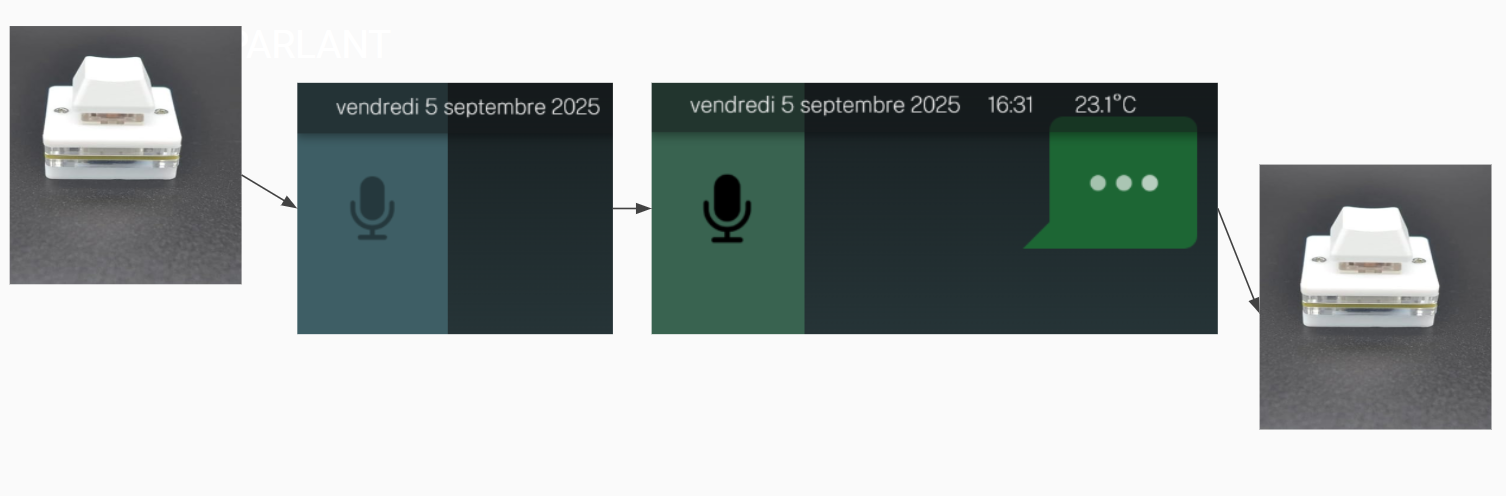 The default keyboard shortcut is CTRL+K, but you can change it at any time in:
Settings > Extensions > ASR
and, in the ASR extension settings, click on the text field:

Then click with your external button. The key combination sent by your external button will appear in the text field.