4 Preferences AI
From version 1 onwards, IGOOR supports several cloud AI providers, as well as the ability to use your local AI.
Comparison of cloud AI providers
Here is a comparison of the cloud providers to help you choose:
| FEATURES / PROVIDER | GROQ |
MISTRAL | CEREBRAS |
|---|---|---|---|
| speed | very good | very good on their small model | excellent, especially on longer prompts |
| price | free within usage limits or pay-as-you-go | free within usage limits or pay-as-you-go | free within the $5 of included usage, automatically pay-as-you-go afterwards |
| speed / price ratio | best | depends on the model | second best |
| ability to use the provider without entering your payment data | ✅ | ✅ | ❌ |
| offers a voice recognition model | ✅ | ✅ | ❌ |
| open-source models | ✅ | ❌ | ✅ |
| your data is NOT used to train the model | ✅ | opt-out in the free tier: you must specify your preference | ✅ |
| servers in Europe | ✅ | ✅ | by the end of 2026 |
| privacy | very good | optional opt-out | good |
For Groq, see 2 - Quick configuration.
Using IGOOR for free with Mistral
Like Groq, Mistral also provides its text prediction models, as well as a very good voice recognition model. There are two main differences compared to Groq:
1) its models are neither open-source nor open-weights: however, all of their infrastructure is located in France and therefore must comply with the French GDPR, which is very strict. Check their privacy policy their larger models are not as fast as Groq's large models
The process for obtaining a Mistral key is similar to that of Groq. Go to:
Get a free Mistral API key
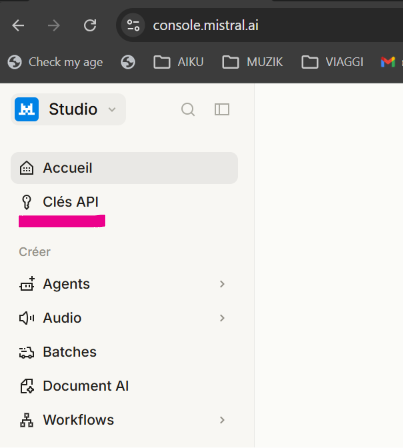
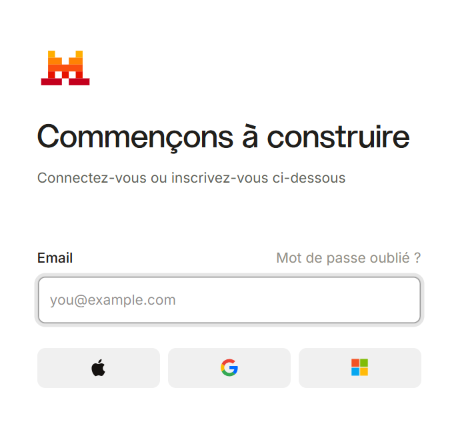 Sign up, then click on API Keys from the menu on the left:
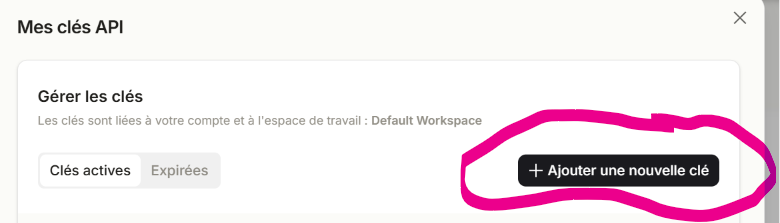
Then click on Add a new key:
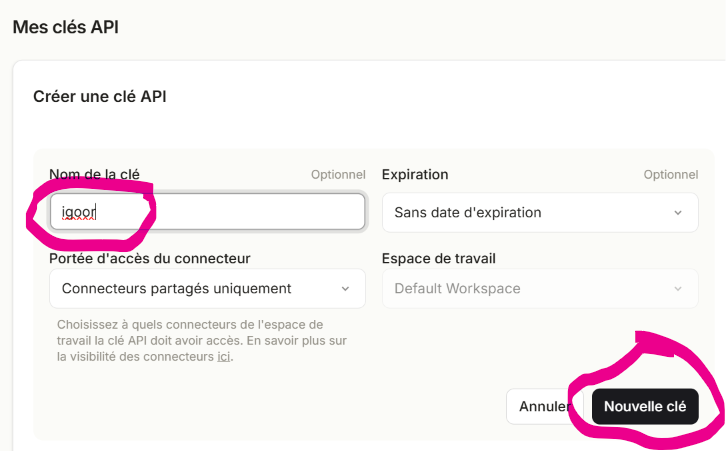
Give the key a name and click New key.
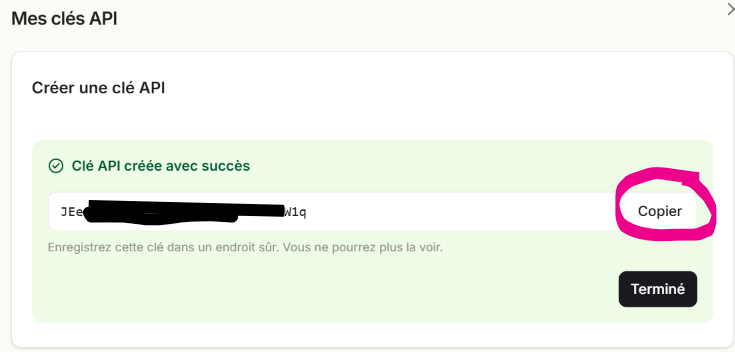
You can create as many API keys as you wish, but you cannot display them a second time. Click Copy:
Go back to the IGOOR software, open the settings (button at the top right) and click on the AI tab.
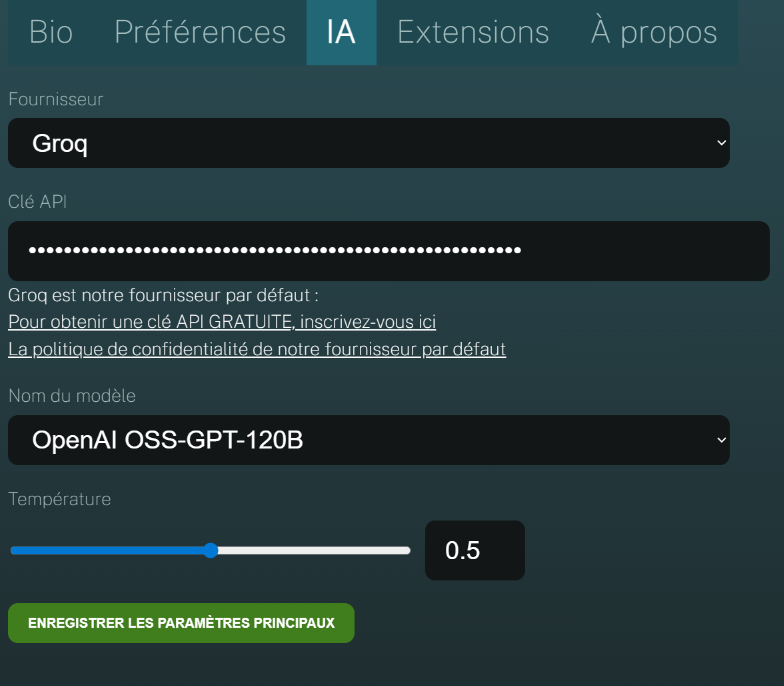
Select Mistral as the provider, then paste the key into the API Key field. Then click the Save main settings button.
If you also wish to use Mistral for cloud voice recognition, you must specify this manually. See 2 - Cloud voice recognition
Trying IGOOR for free with Cerebras
Please note that:
- From July 17, 2026, to try Cerebras for free within the $5 credit limit, you must provide your payment data. Beyond $5 of usage, you will automatically be billed on a pay-as-you-go basis.
- Also, Cerebras does not offer a cloud voice recognition model. As a result, if you opt for cloud voice recognition, you will have to use Groq or Mistral.
We therefore recommend Cerebras only to more advanced users.