2 Automatic translation of the interlocutor
This experimental extension lets you translate the interlocutor's voice in real time. Here is an example with an Italian user whose circle is French-speaking:
In this case, translation is active on both input and output.
1) The interlocutor speaks French 2) The transcription is automatically translated into Italian 3) The responses are generated in Italian 4) But when the chosen response is clicked, the voice synthesis produces the sentences in French.
The entire conversation remains visible to the user in Italian.
IMPORTANT: for now, this extension requires a multilingual voice recognition model to work. Choose a 2 - Cloud voice recognition.
Enabling automatic translation
If you want to automatically translate the interlocutors' voices, enable the translation extension in:
Settings > Extensions > Accessibility > Translator
Restart IGOOR.
Go to
Settings > Home
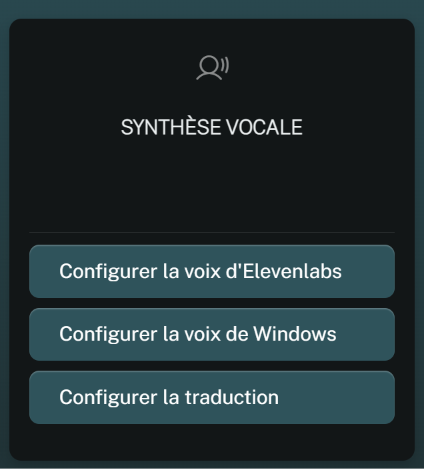
And click on Configure translation.
Choose the input language and whether you want to translate the input and/or the output voice. Click Save.