2 Windows voice synthesis
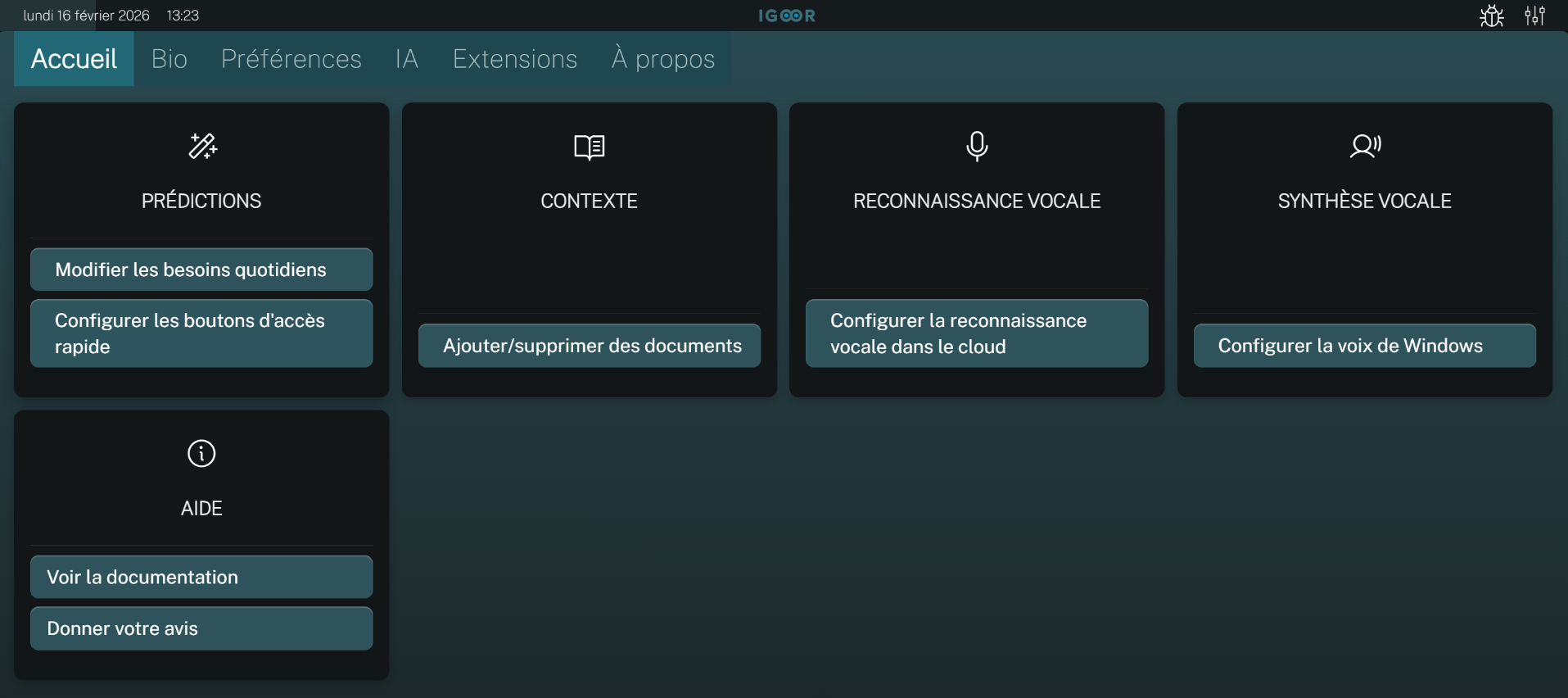
By default, IGOOR uses the voice synthesis provided by Windows. To configure it, go to:
Settings > Home > Voice synthesis > Configure Windows voice
Uncheck the box to always use the Windows voice; otherwise, it will only be used if the cloned voice malfunctions.
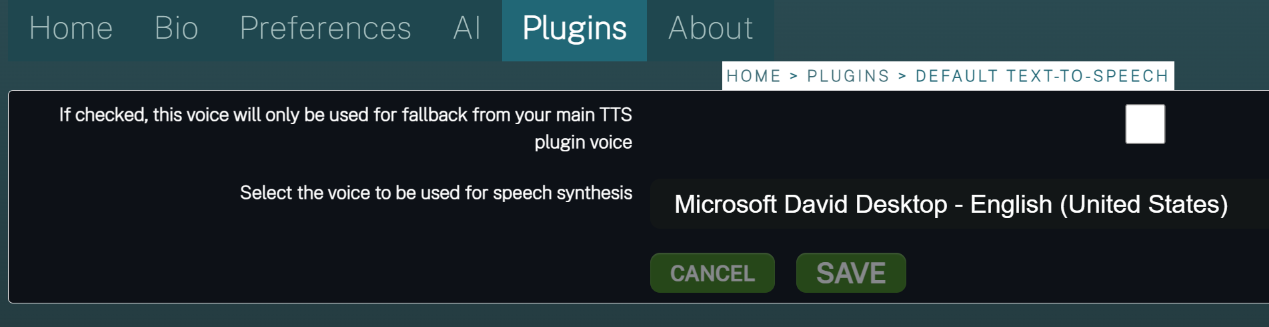
TIP: If you clone your voice via the cloud, keep the box checked to use the Windows voice in case of network problems.
Choose the voice you want from the dropdown menu among the available voices, and save the plugin settings.