4 Voice cloning
Benefits
Cloning your voice has obvious benefits for the user and for those around them: the voice helps maintain the emotional connection with the person who has lost it.
Instant cloning
It is possible to clone your voice directly from IGOOR. You can do this in two ways:
1) From the audio collected through the 2 - Recording the biographical memory 2) From an audio file between 1' and 3' in length
Voice cloning from biographical memory recordings
Go to:
Home > Voice synthesis > Configure Elevenlabs (or Speechify) voice
On the extension page, click on:
Use recorded voice
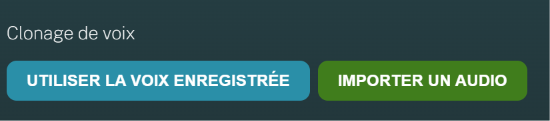
This will create a new voice from your audio recordings.
NOTE: If this button is grayed out, it means IGOOR does not have recordings to clone your voice.
The clone will then be automatically selected in the voice dropdown menu, and it will appear with a name like "Voice Clone Jul 24" (voice clone performed on July 24).
Voice cloning from an audio file
A user who no longer has access to their voice can still clone it from previous recordings. We can assist you in creating this audio file.
Professional cloning
Professional cloning can only be done through the Elevenlabs platform. It requires at least half an hour, and ideally up to three hours, of professional voice recordings.
Although longer and more "bureaucratic" (Elevenlabs asks for documents that certify your identity), a well-executed professional cloning guarantees a quality, variety, and richness of the voice clone superior to instant cloning.
Read this complete guide for cloning via Elevenlabs.
Once the cloning is done on Elevenlabs, simply choose the clone from the dropdown menu of available voices.
Tips
Visit this page on the IGOOR website for tips on recording your voice, and if you would like support with recording your voice: