1 Weather
This extension adds contextual information about the weather (temperature, wind, etc.) to the context — that is, the set of information sent to the AI to generate predictions (see 1 - Four communication aid tools).
Activating the extension
Go to
Settings > Extensions > Context > Weather:
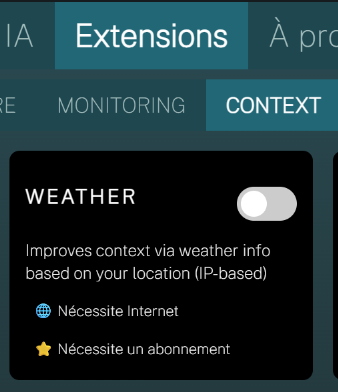
and enable the extension via the switch.
REMINDER: You must restart IGOOR when you enable (or disable) extensions.
Configuring the extension
Go to:
Home > Weather management
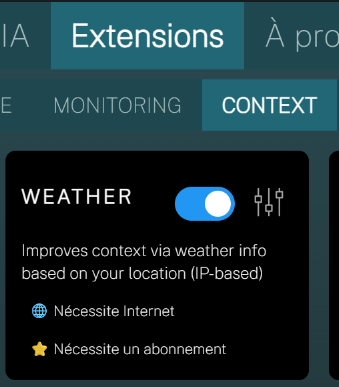
Click the extension's settings icon. The extension works through a free service provided by https://open-meteo.com/ (from version 0.3.5.0), and does not require a subscription.
Previous versions
Previous versions require you to sign up and get your API key here:
Get a free Openweathermap API key
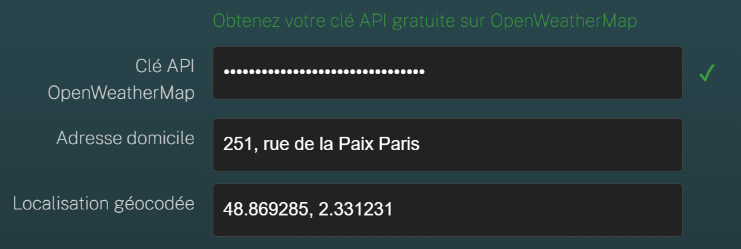
Home address
You can enter the exact address of your home. This address is never shared externally; it is used inside IGOOR to compare with the automatically updated one, in order to understand whether the user is at home.
Save your changes.
Verification
Once you enable the weather, you will see the temperature in the top bar:
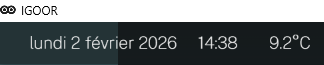
From that moment on, weather information is added to the phrase predictions.